Do this to choose your usual shop or change your details.
- Tap My details in the menu.
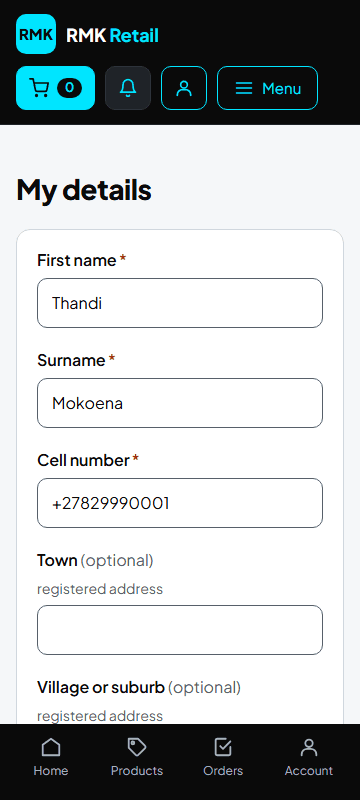
-
Under My usual shop, choose your shop.
-
Change anything else you need.
-
Tap the cyan Save button.
What you will see
The message "Your profile is saved." Your usual shop is chosen for you at checkout. You can still choose another shop for one order.
If something goes wrong
- You want a new password Tap your name at the top, then Change password.
Ask for help
WhatsApp 064 654 1357 · phone 015 296 4695 · e-mail connect@rmkretail.co.za · Monday to Friday 08:00–17:00, Saturday and Sunday 08:00–14:00.