Do this at the start of your work day.
-
Tap Sign in at the top of the page.
-
Type your cell number (or the username RMK gave you).
-
Type your password.
-
Tap the cyan Sign in button.
-
Tap Routes in the black bar at the bottom.
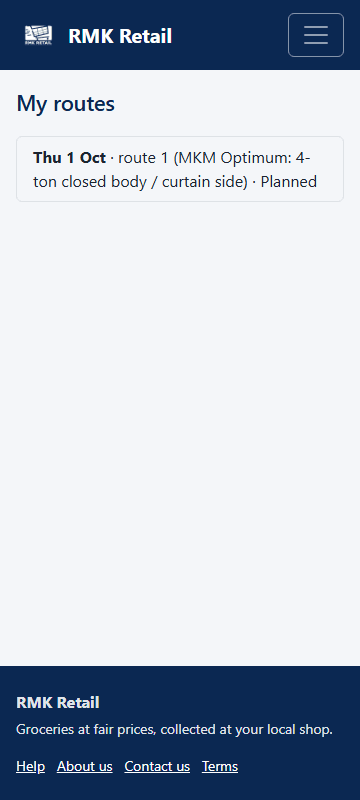
What you will see
My routes lists your routes for today. The black bar at the bottom has Routes, Scanner, Help and Account. Tip: add RMK Retail to your phone's home screen, then it opens like an app.
If something goes wrong
- "No routes for you today." The route is not ready yet, or you are not linked to the van. Call RMK.
- You forgot your password. Tap Forgot your password? or Reset it with a WhatsApp code.
- You want a new password. Tap Account in the bottom bar, then Change password.
Ask for help
WhatsApp 064 654 1357 · phone 015 296 4695 · e-mail connect@rmkretail.co.za · Monday to Friday 08:00–17:00, Saturday and Sunday 08:00–14:00.