Do this once RMK approves your shop, so the driver finds you and you can receive goods.
-
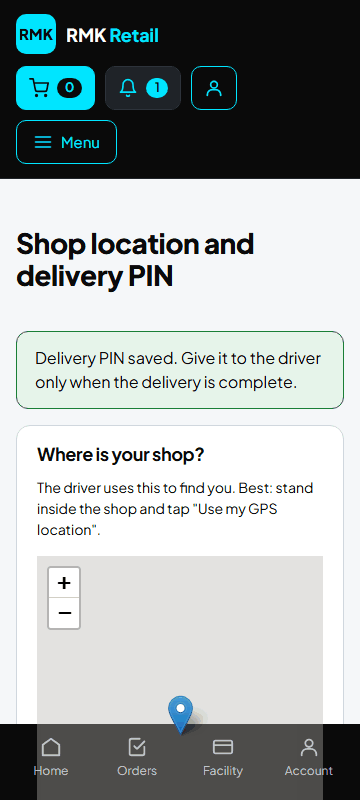
On Shop home, tap Shop location, delivery PIN and collection times.
-
Stand inside your shop and tap Use my GPS location. Allow the phone to share your location.
-
Tap the cyan Save location button.
-
Under Village and collection times, type your village and when customers can collect, for example "Mon–Sat 08:00–18:00". Tap the cyan Save button.
-
Under Delivery PIN, type a PIN of 4 to 6 digits two times. Tap the cyan Save PIN button.
What you will see
Customers find your shop under its village. Keep your delivery PIN secret, even from the driver.
If something goes wrong
- Use my GPS location does nothing Allow location for RMK Retail in your phone's settings. Stand near a window or outside.
- The driver says the PIN is wrong Type it again slowly, or set a new PIN on this page.
Ask for help
WhatsApp 064 654 1357 · phone 015 296 4695 · e-mail connect@rmkretail.co.za · Monday to Friday 08:00–17:00, Saturday and Sunday 08:00–14:00.