Do this when RMK cannot find one of your products. RMK matches by RMK code, then barcode, then your own code.
-
On My price lists, tap the week of your list.
-
Find a line that RMK could not match.
-
Next to it, type a word, for example "Maize".
-
Tap the white Find button.
-
Tap the right RMK product in the list.
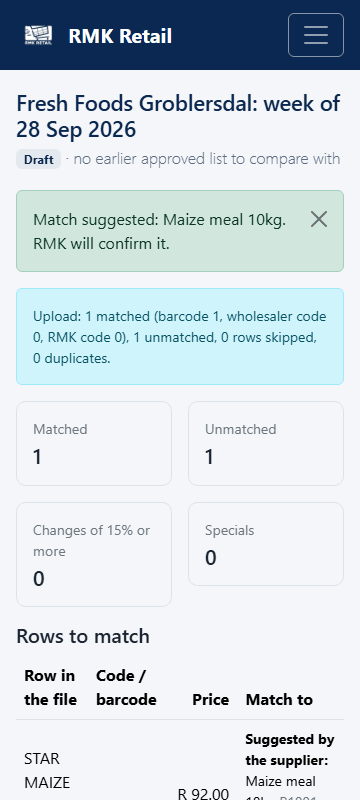
What you will see
You see "Match suggested … RMK will confirm it". RMK staff confirm it once. After that, RMK knows the product every week.
If something goes wrong
- "No products found." Try a shorter word, or the brand name.
- You tapped the wrong product. Tap Find again and tap the right one. Or call RMK.
- The product is not at RMK at all. Call RMK. Staff decide if RMK will sell it.
Ask for help
WhatsApp 064 654 1357 · phone 015 296 4695 · e-mail connect@rmkretail.co.za · Monday to Friday 08:00–17:00, Saturday and Sunday 08:00–14:00.